Introducing the Archiving for Contact Queues!
We're thrilled to announce our latest feature: the ability to archive old contact queues! This functionality not only helps you declutter your list of queues but also streamlines the navigation for principals on the mobile app. And you can always undo this if needed.
Follow these simple steps to utilize the new archive feature:
- Navigate to Queue Settings.
- Scroll to the bottom of the page.
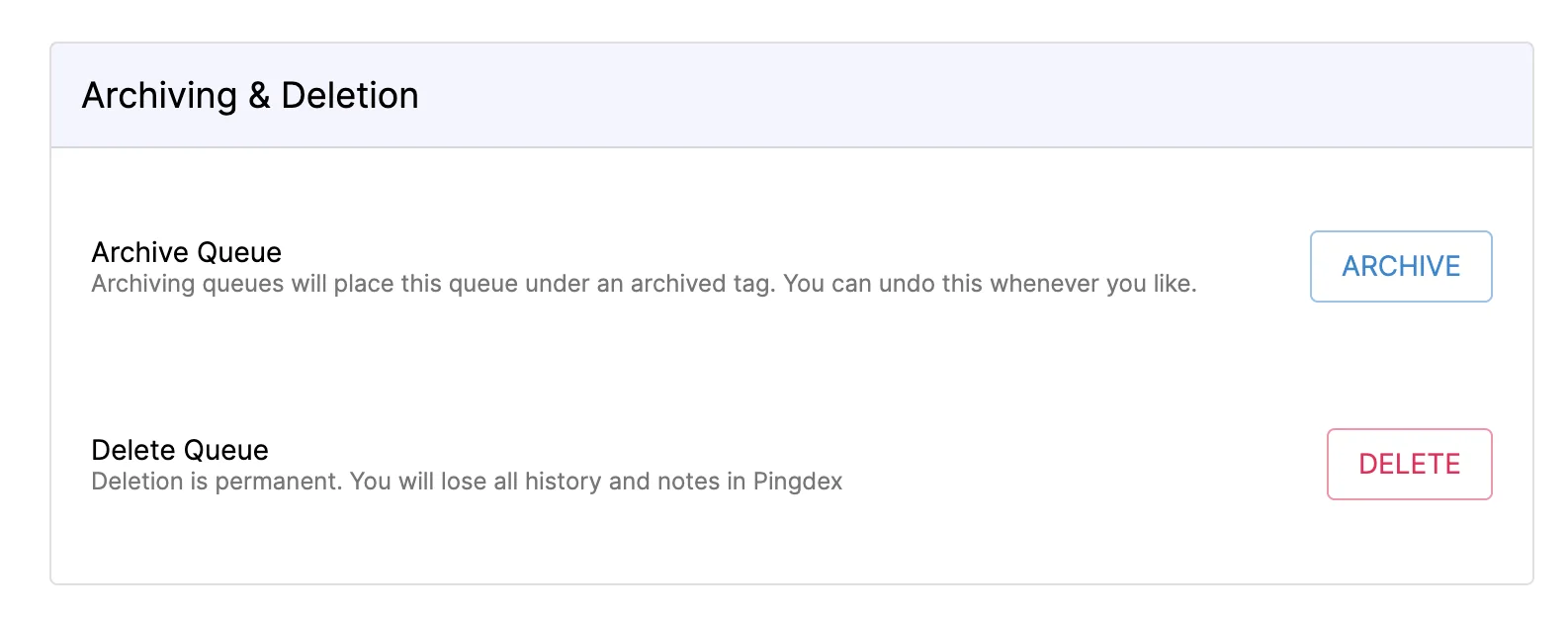
- Locate the new section titled "Archiving and Deletion."
- Click the "Archive" button to archive the selected queue.
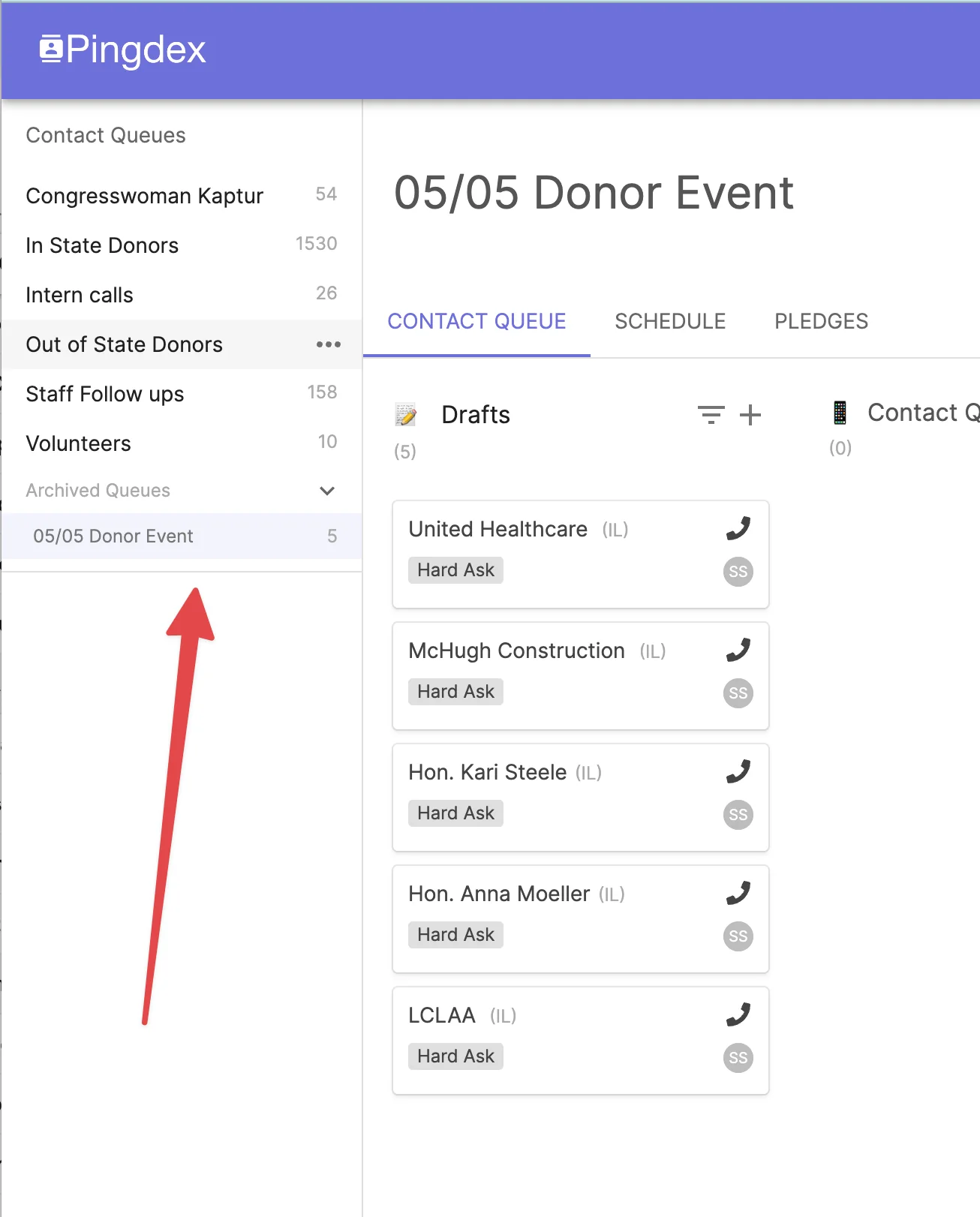
Once archived, these queues aren't lost. They find a new home under a distinct "Archive" subsection in your dashboard list, making it easy to retrieve or review them when necessary.
We hope this helps with your workflows and keeps your queue list straightforward!