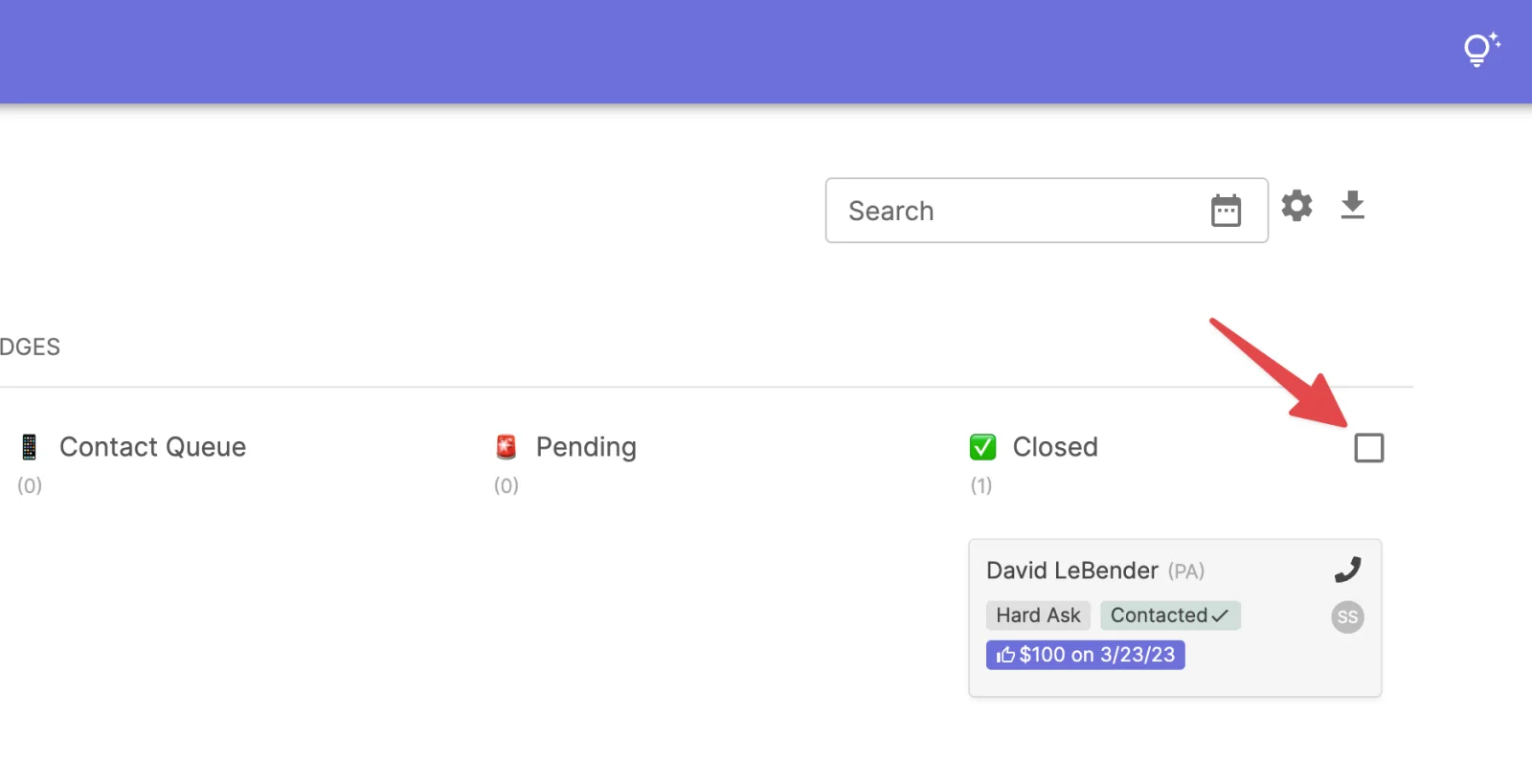
'Select All' in Columns on Web Dashboard
We've made a new improvement to our web dashboard - 'Select All' for columns. This allows you to select all loaded items in a column for easier bulk editing, moving, or deleting.
To use this feature, click the checkbox next to the column title. Please be aware that 'Select All' only selects items currently loaded on the dashboard. To select more items, scroll to the bottom of the dashboard to load additional ones, then click the 'Select All' checkbox again.