New: Incoming Caller ID for iOS Devices!
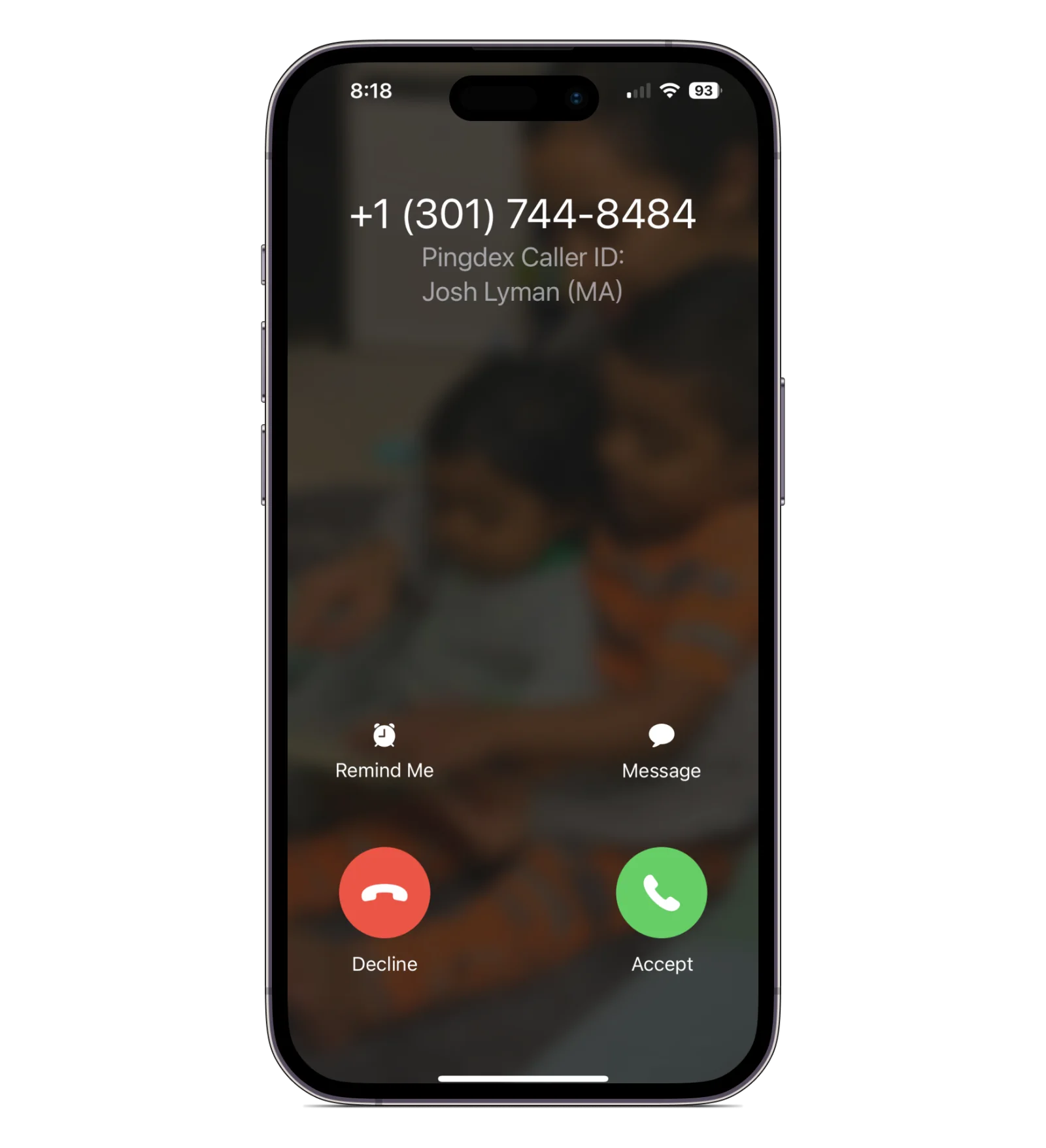
Introducing Incoming Caller ID for Pingdex contacts on iOS! Now you can identify the caller ID of incoming calls to your iPhone from your Pingdex contacts, even if they aren't saved to your phone. We utilize iOS contact extensions to share your Pingdex contacts with Apple, enabling caller ID recognition for incoming calls.
This feature makes it easier to identify callers when they return your call.
To set up Incoming Caller ID, follow these steps:
- Ensure you have the latest Pingdex iOS app installed (download from the App Store).
- Open your iOS Settings.
- Scroll down and select "Phone" to access Phone Settings.
- Select "Call Blocking & Identification."
- Enable Pingdex in the Call Identification Apps section.
- For additional help and details, click here.
Please note that this feature is currently available for iOS devices only. We're working to bring a similar feature to Android in the future!