Enhanced Email Templates with File Attachments!
We're excited to announce an update to Email Templates. You can now attach both images and PDF documents to email templates. This provides the flexibility to include visual aids, such as event invites, campaign prospectus etc.
To set this up, go to your queue settings. Scroll to "Follow-up Email Templates" and edit or create a new template. In the editor you'll see a new "Add Attachment" button.
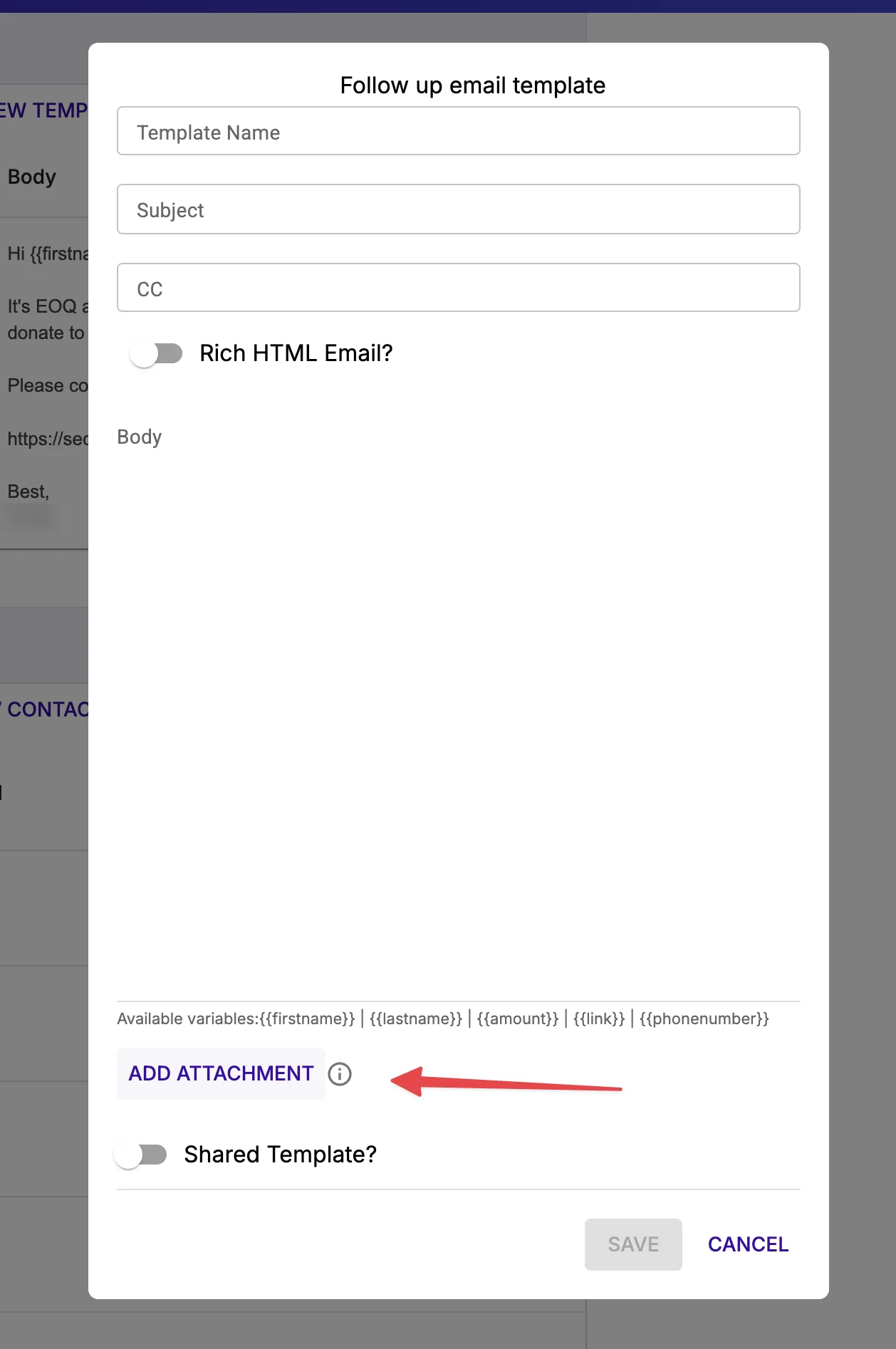
Important Note: Attachments through Email Templates are only supported when sending emails through the Web Dashboard when using Google to Send Email or through the Chrome extension.