Drop pre-recorded voicemails from mobile without listening to the answering message!
We're happy to announce this much requested feature update! When we launched the Webdialer last fall, we introduced a new way to drop voicemails without needing to listen to the answering message.
I'm happy to share that we've updated the iOS and Android flows for dropping Pre-recorded voicemails to follow the same flow.
Now, when you hear that the call has gone to voicemail, you can immediately click drop voicemail to play your message after the beep. We will wait until we detect the beep and play the message rather than requiring you to do this.
The flow is roughly the same.
- Make your call on the mobile app.
- When you hear a voicemail message from the callee, tap Drop Voicemail.
- Tap the voicemail you'd like to drop.
- At this point you can simply end the call (and we'll play the message at the right time). OR you can stay on the line and hear the message.
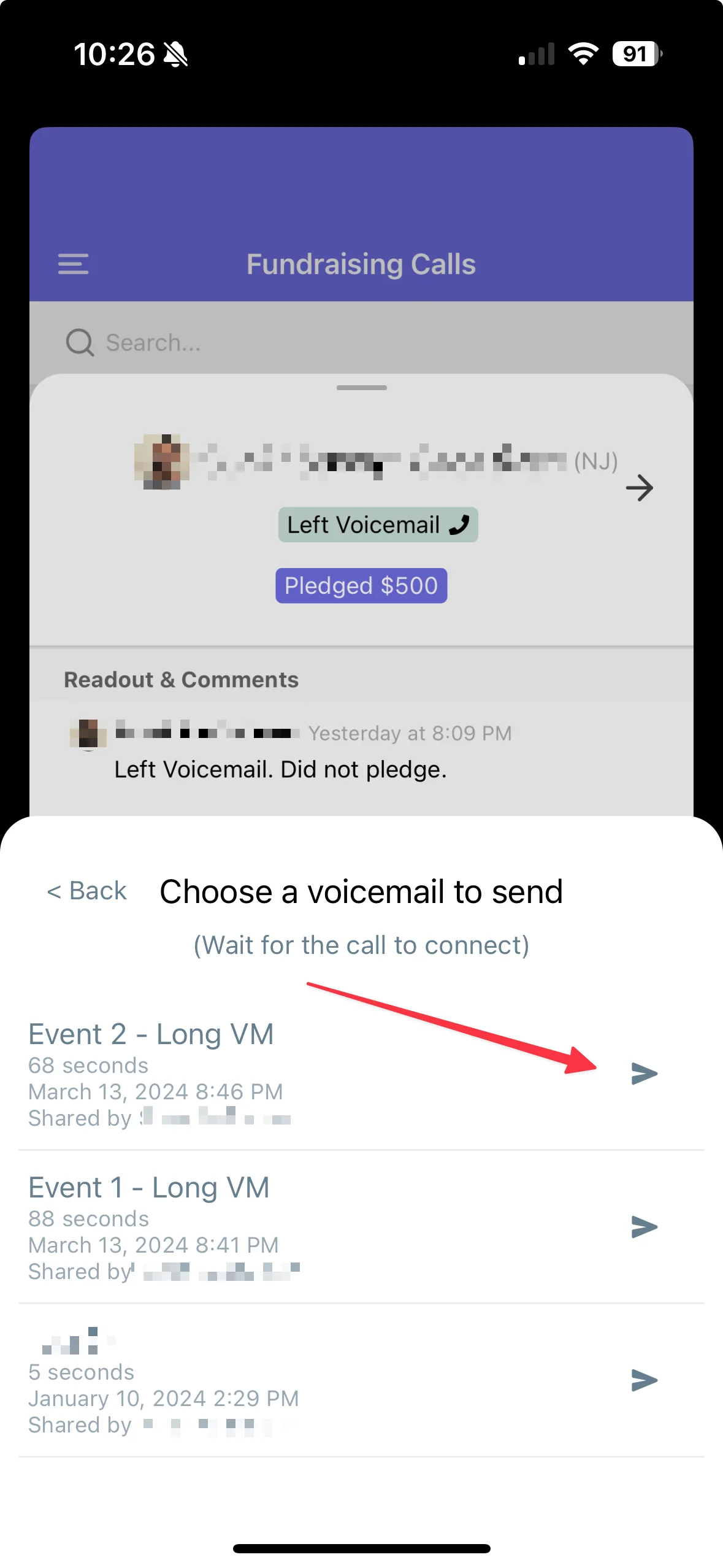
We hope this small, but super handy update enables your call time programs more success! Please shoot us a note if you have any questions or anything else trying to drop voicemails!