Introducing Remote Call Time Sessions via Zoom and Google Meet
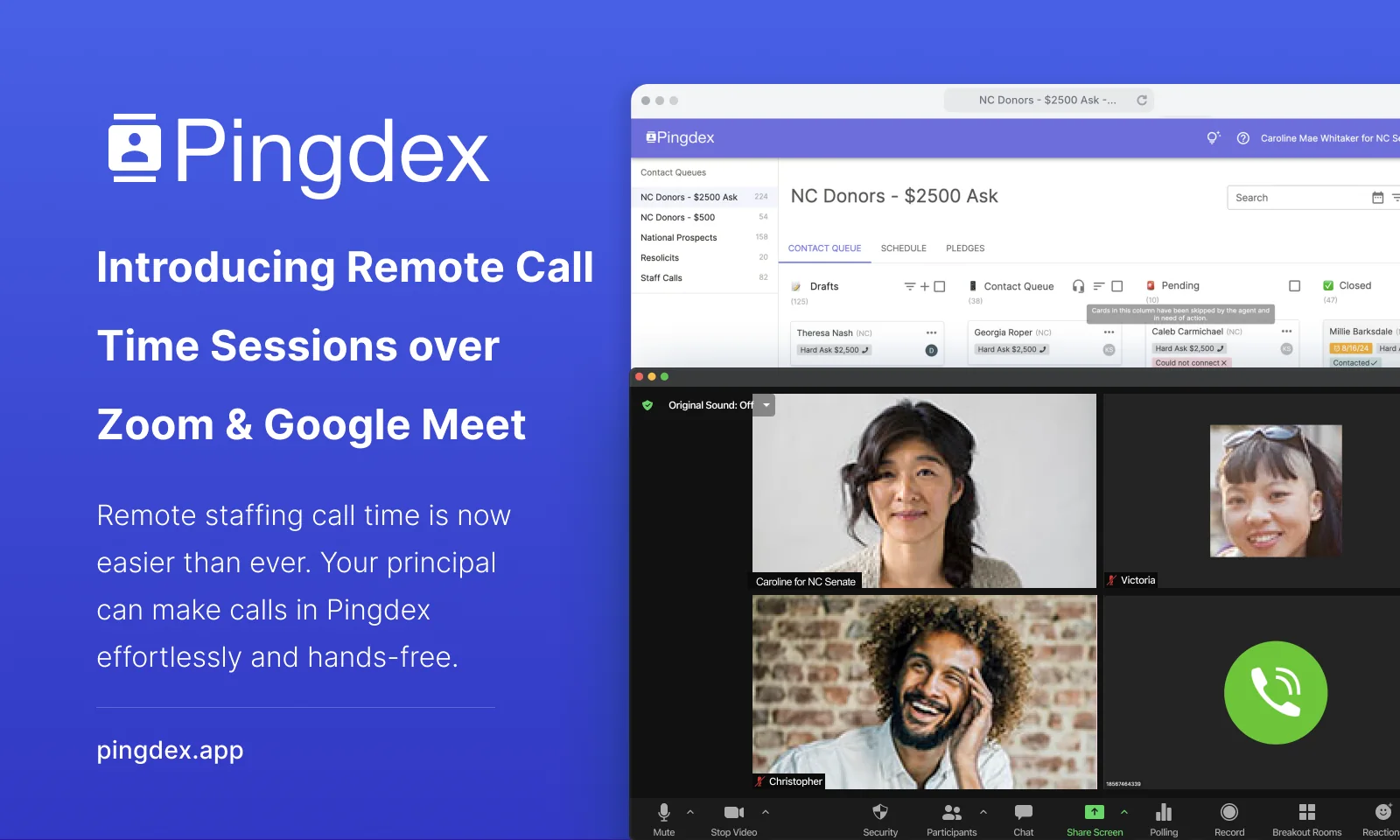
We’re excited to announce a game-changing update to Pingdex!
Now, you can start call time sessions directly via Google Meet or Zoom, making remote staffing and call time coordination smoother than ever.
Here’s how it works:
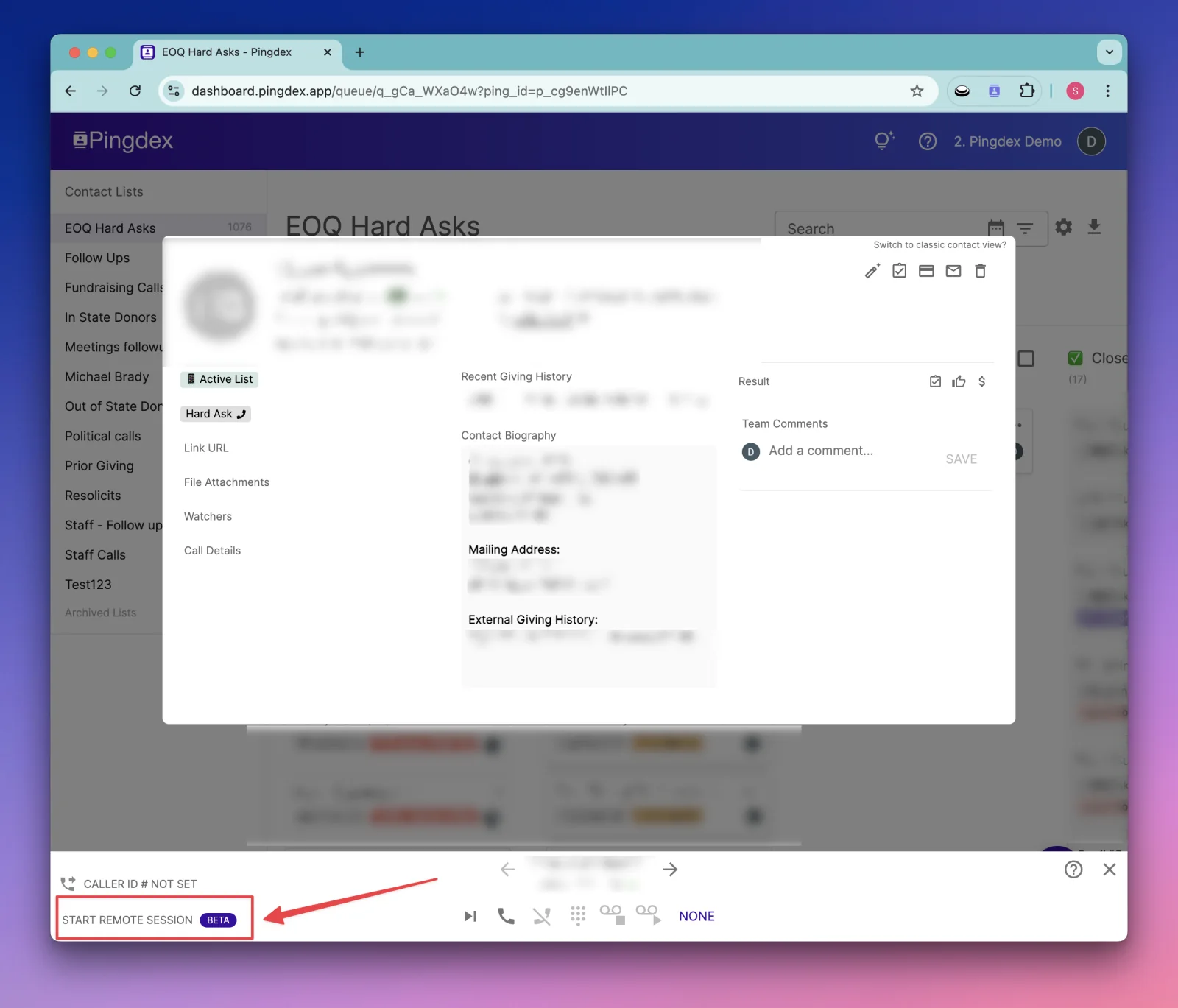
- Navigate to the Web Dialer (headset icon next to Active List).
- Click Start Remote Session (on the bottom left).
- Enter Zoom or Google Meet Details and wait about 10 seconds for the session to connect. Staffers and principals can now collaborate effortlessly via Google Meet or Zoom.
- Make Calls with Ease: Staffers simply hit "Call" in the Pingdex Web Dialer, and Zoom will automatically add a new phone participant – the callee – to the session.
- Discuss, Wrap Up, Repeat: After the call ends, staffers can initiate the next call with just a click, ensuring uninterrupted productivity. This can all be done, allowing the candidate to be entirely hands free.
This improvement brings flexibility and efficiency to remote call time sessions, keeping your team connected and your call time operations running seamlessly.
Here's a video of how this works.